
Chromatic Aberration Component
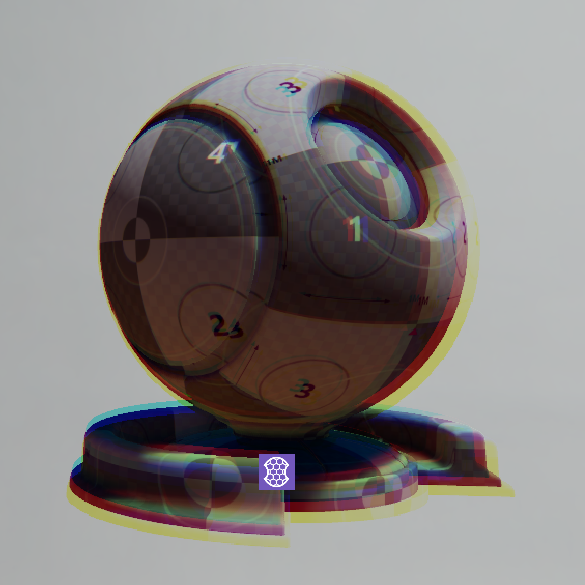
The Chromatic Aberration component is a post-processing effect that simulates a lens that focuses different wavelengths of light at different points, creating fringes of color around edges in the image.
Provider
Dependencies
Properties
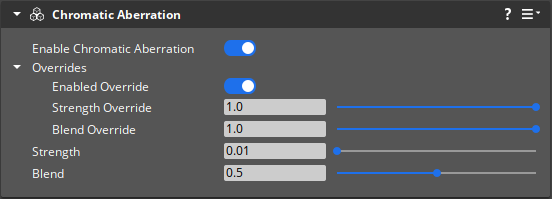
| Property | Description | Value | Default |
|---|---|---|---|
| Enable | If enabled, activates the chromatic aberration effect. | Boolean | Disabled |
| Overrides - Enabled Override | If enabled, all component properties will be set to the values specified in the Overrides property group. | Boolean | Enabled |
| Strength | Controls the magnitude of the color displacement. | Float: 0.0 - 1.0 | 0.01 |
| Blend | Scales the blending of the effect with the original image which reduces the sharpness of the effect. | Float: 0.0 - 1.0 | 0.5 |